
An 800R monitor bends more than twice as hard as an 1800R monitor. That single number, the radius of the imaginary circle the screen would complete, decides whether your display hugs your face like a cockpit or sits almost flat on the desk. Pick wrong and you either lose the wraparound feel you paid for or spend a week fighting warped spreadsheet lines.
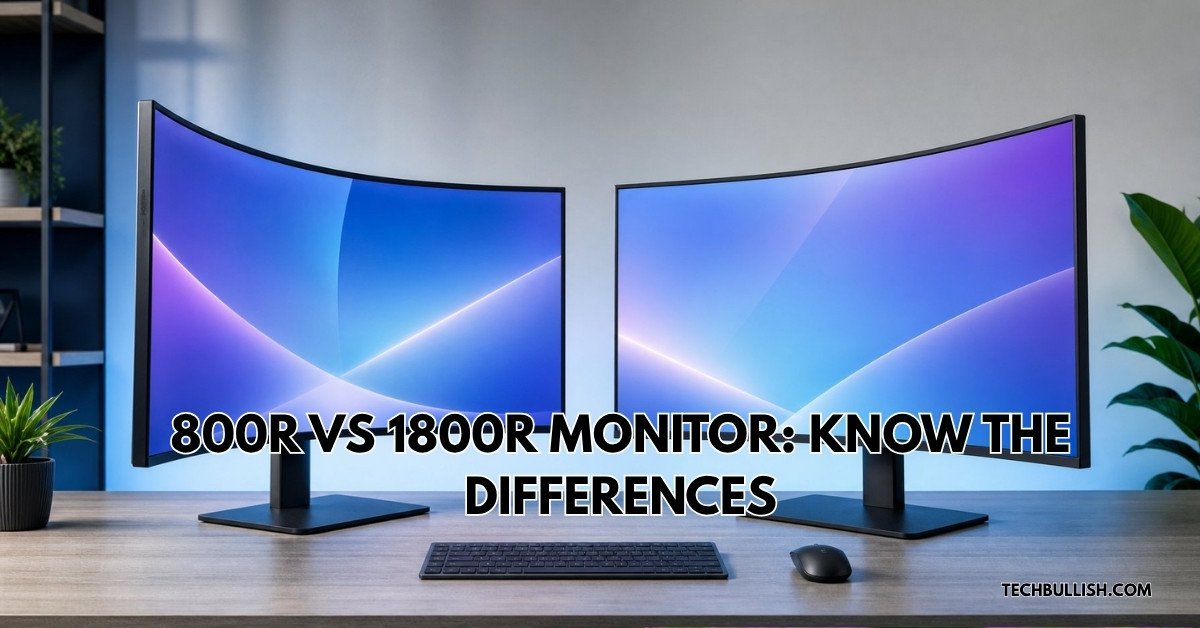
Here is the practical split in the 800r vs 1800r monitor question: an 800R curve pays off when you sit close (roughly 24 to 32 inches away) on a wide 34-inch-plus panel, while an 1800R curve suits mixed use, deeper seating, and any desk where you share the screen or care about straight edges. Neither is a bad panel spec. They solve different desk problems.
The tighter curve has gone mainstream fast. Panels like the LG 39GS95QE and the 45-inch OLEDs ship at 800R, and owners who moved from an 1800R ultrawide to one of these say the difference in wraparound feel is obvious the first time you load a racing sim. Office users often report the opposite reaction.
Key Takeaways
- The number before the R is a radius in millimeters, so 800R curves far harder than 1800R.
- An 800R panel rewards close, single-user seating and wide screens; 1800R stays comfortable at normal desk distance and for shared viewing.
- Screen width and seating distance decide the right curve more than the game or app you run.
What 800R and 1800R Actually Mean
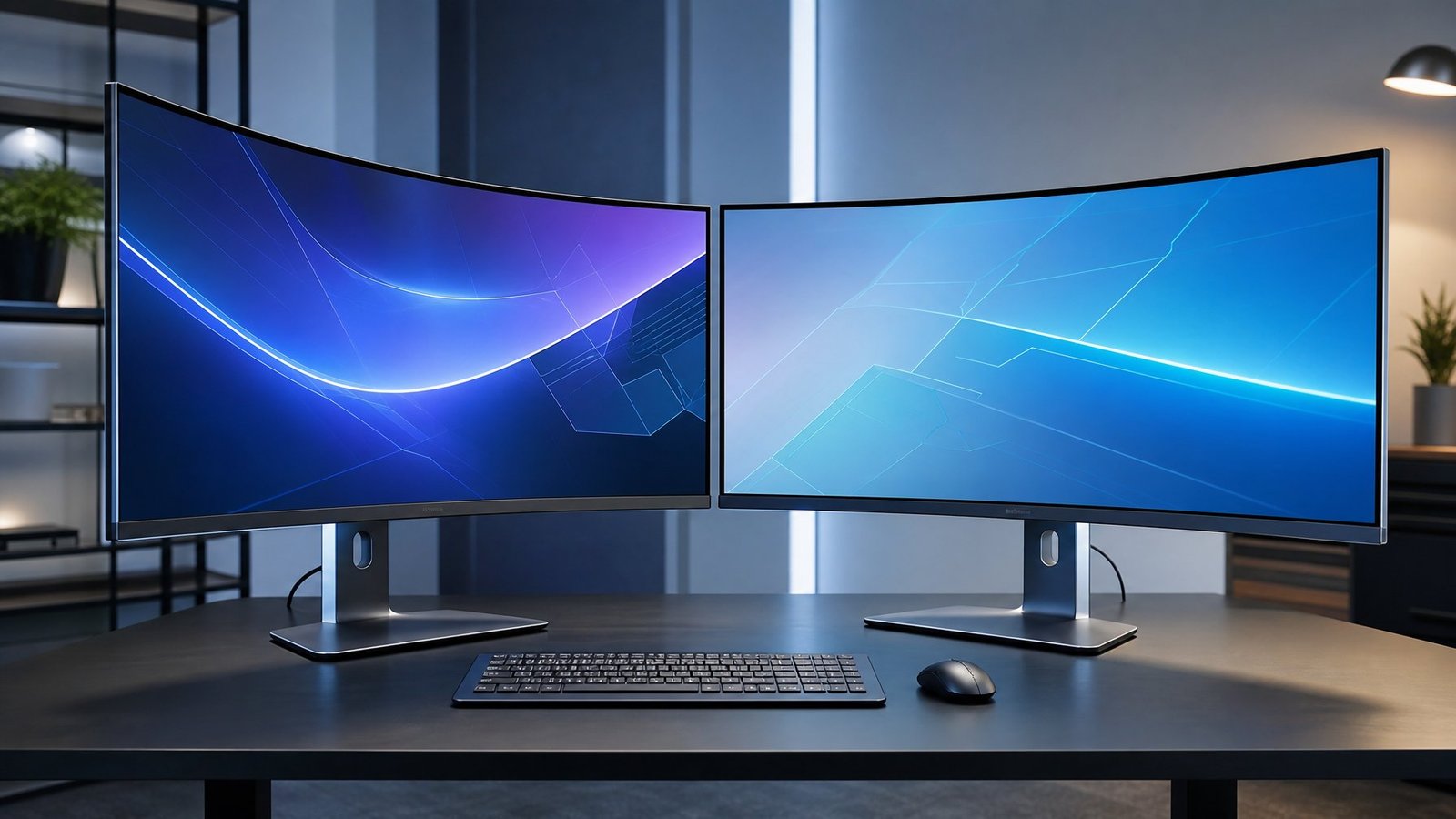
The R rating is a radius measurement in millimeters, and it works backward from what most people expect: smaller number, stronger bend. An 800R curved monitor traces part of a circle with an 800mm radius, while an 1800R curved monitor traces a circle more than twice as wide.
How the R Rating Measures a Curved Screen
Picture the screen as a slice cut from a giant hoop. The R value tells you how big that hoop is. As MSI’s rundown of monitor curvature ratings puts it, a 1000R curved monitor would complete a circle with a radius of 1000mm, or one meter. Extend the same logic and an 1800R screen belongs to a circle 1.8 meters across in radius.
That is why the spec sheet number feels backward at first. Bigger radius means a lazier arc. A 4000R display, the kind sometimes used on office all-in-ones, is barely curved at all.
Why a Lower Radius Creates a Stronger Curve
A short radius forces the panel edges to swing toward you over a shorter run of screen. On a 34-inch ultrawide, dropping from 1800R to 800R visibly deepens the arc: the corners tuck in far enough that you can see them from the side without leaning. Owners describe an 800R panel as feeling like the screen is reaching around them.
The trade is straight lines. Any horizontal rule (a spreadsheet border, a ruler in a photo editor, the top edge of a window) picks up a visible bow on a tight curve. On 1800R, that bow is mild enough that most people stop noticing within a day.
How 800R, 1000R, 1500R, and 1800R Compare
Manufacturers cluster around four common radii, and each has a natural home on the desk.
| Curve | Bend strength | Comfortable seating | Best fit |
|---|---|---|---|
| 800R | Most aggressive | Close (about 2 to 2.7 ft) | 34″+ ultrawide, sim racing, single user |
| 1000R | Strong | Close to medium | Curved gaming monitor, 32″ to 49″ |
| 1500R | Moderate | Medium | Mixed gaming and work |
| 1800R | Gentle | Medium to far | Office, shared viewing, 27″ to 34″ |
Manufacturers position 1000R as the match for the human field of view, which is why so many curved displays landed there after 2020. If you want the middle ground spelled out further, this comparison of 1000R, 1500R, and 1800R curve radii covers the ground between the two extremes discussed here.
How Curve Geometry Changes Desk Fit and Viewing Distance
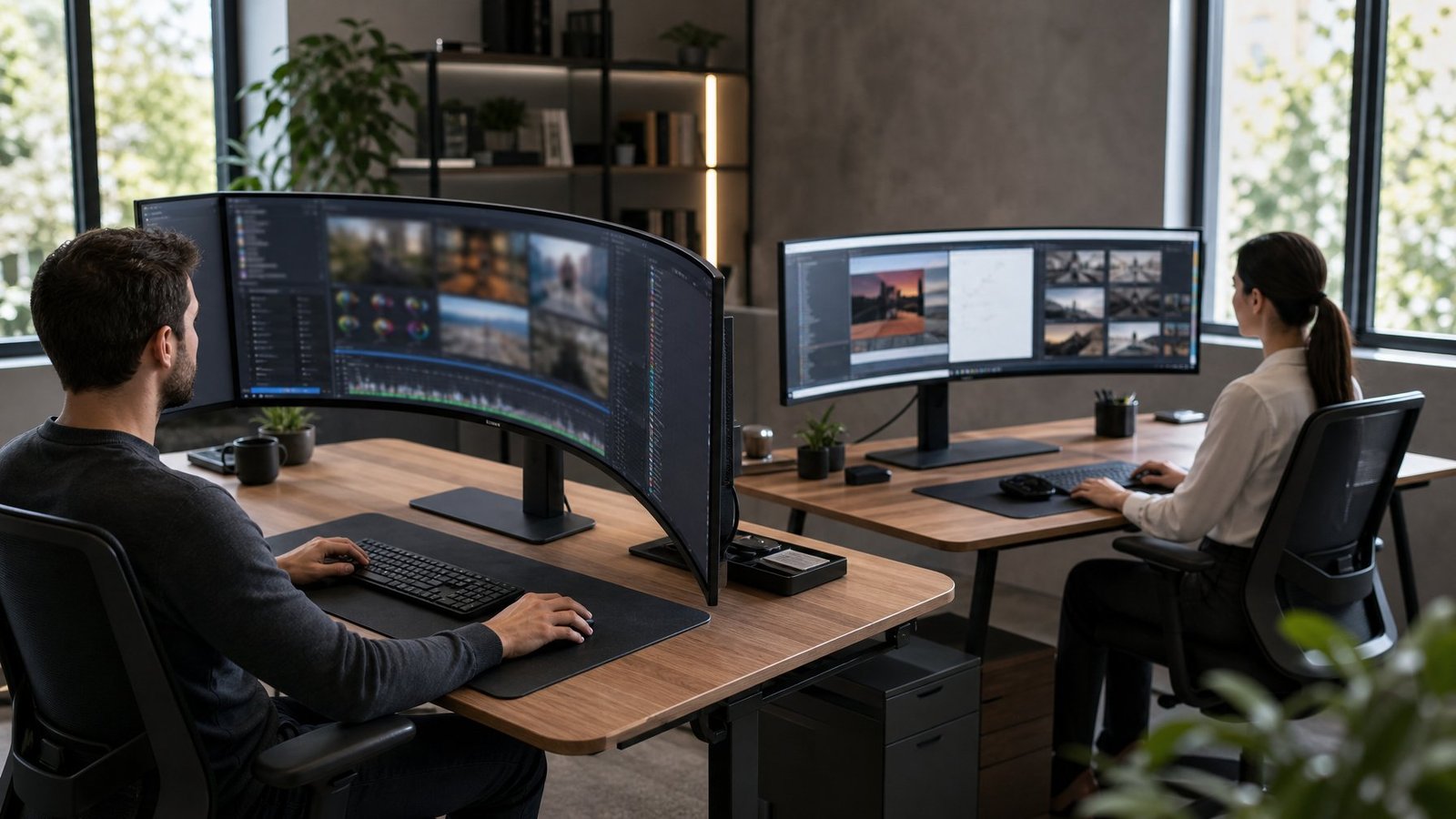
Your seating distance should roughly track the curve radius: about 31 inches for 800R and about 71 inches for 1800R if you follow the geometry literally. Real desks rarely allow the second number, which is why 1800R behaves like a mild flat screen in practice and 800R feels transformative at arm’s length.
Is the Curve Radius Really the Ideal Viewing Distance?
The radius marks the point where every part of the screen sits the same distance from your eyes. Sit at 800mm (about 31 inches) from an 800R panel and the geometry lines up almost exactly. That is a normal desk distance, which explains why the tight curve works so well for people who push their chair in.
An 1800R panel would need you sitting 1.8 meters back, close to six feet, for the same perfect alignment. Nobody works at a desk from six feet away. So an 1800R curve is best treated as a light correction to the edges of a wide screen, not a true wraparound. Guides on curved monitor viewing distance make the same point: stronger curves suit closer seating.
For a broader look at ergonomic spacing on any panel, see how far your monitor should sit from your eyes.
Why Panel Width and Aspect Ratio Change the Result
Curve strength matters more as the screen gets wider. On a 27-inch 16:9 panel, the edges are close enough to center that even 1000R adds little. Stretch to a 21:9 ultrawide monitor at 34 inches, and the outer thirds of the screen sit at a real angle from your eyes; a tight radius pulls them back into line.
Push to 32:9 (the 49-inch super ultrawides) and a gentle 1800R leaves the far corners aimed past your shoulders. Owners who moved from a 49-inch 1800R panel to a 39-inch 800R panel have said the smaller, tighter screen felt more immersive despite less screen real estate. If you are weighing widths, the 21:9 aspect ratio breakdown explains how much horizontal reach you gain.
How Much Desk Space Does a Deeper Curve Need?
A tighter curve eats desk depth. On a 34-inch panel, an 800R arc pushes the center of the screen noticeably farther back than the edges, so the stand base needs more clearance behind it. Measure from the wall: allow an extra 3 to 4 inches of depth compared with the same panel at 1800R.
The upside is that the curved edges sit closer to you, so total reach across the screen shrinks. On a shallow 24-inch-deep desk, an 800R 34-inch monitor can leave you sitting too close for comfort. A monitor arm solves this by letting you push the panel back over the desk edge. Common questions about fitting these panels are covered in this rundown of 34-inch monitor considerations.
Gaming, Sim Racing, and Immersion
For immersive gaming, 800R wins on raw wraparound feel, and the gap is widest in cockpit games where the edges of the screen carry information. An 1800R panel keeps more of its appeal across a mixed library, where you switch between racing, shooters, and strategy games in the same evening.
When an 800R Curve Delivers a Better Wraparound View
Sim racing is the clearest case. In a cockpit view, mirrors and apex markers live at the far edges of the screen, and an 800R curve angles those edges toward your eyes so you catch movement without turning your head. Sim racing guides that compare curvature options for racers reach the same conclusion: tighter radii deepen the sense of sitting inside the car.
Flight sims and open-world games benefit for the same reason. The curve also helps depth perception, since the screen edges no longer read as flat planes falling away from you.
Why 1800R Can Be More Comfortable for Mixed Gaming
An 1800R curve stays neutral. Competitive shooters played from a normal seated distance do not gain much from a hard bend, and some players find a strong curve distracting when crosshairs sit dead center and the action stays in the middle third of the screen. Strategy games with grid-based maps look cleaner on the gentler arc.
Testing summaries that pit 1800R against 800R for long sessions point to the milder curve holding up better over hours of play on screens above 24 inches. Curve depth has zero effect on response time or refresh rate, so if fast motion is your priority, spend the budget on refresh rate and response time instead.
Do Curved Gaming Monitors Improve Peripheral Vision?
Curved gaming monitors do not widen your field of view; they change where the screen sits inside it. A curve brings the far edges of a wide panel closer to perpendicular with your line of sight, so detail at the periphery stays legible without eye strain from constantly refocusing.
That effect scales with panel width. On a 27-inch screen the difference is small. On a 45-inch ultrawide it is the whole point. If you are still deciding between panel shapes, this look at whether curved monitors are worth it covers the basics, and ultrawide monitors for gaming covers the width question.
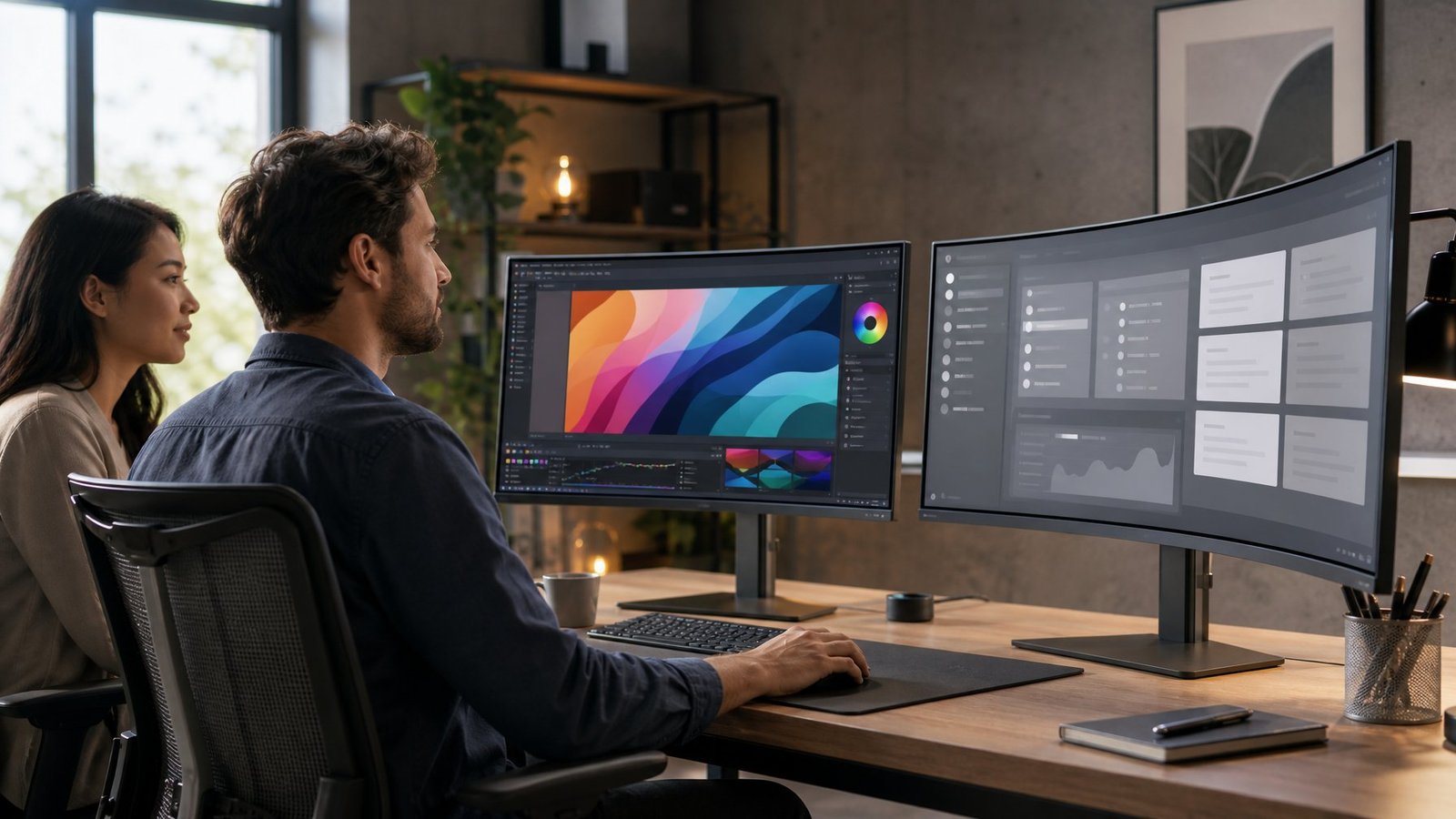
For desk work, 1800R is the safer pick, and the reason is straight lines. An 800R monitor bends horizontals enough that document editing, CAD, and photo work all require some adjustment, though most users adapt within a few days.
Is an 800R Monitor Too Curved for Office Work?
An 800R panel works for office tasks once you accept two things. First, long horizontal lines will bow, so a wide spreadsheet or a timeline in a video editor curves visibly. Second, the screen edges point at you, which is fine when you sit centered and awkward when you slide your chair to one side.
Ultrawide owners weighing the 800R curve for productivity split on this. People who spend most of their day in code editors and browsers adjust quickly. Anyone doing precise layout work notices the bend every session.
When a Flat Monitor Is the Better Choice
A flat monitor stays right for print design, architectural drafting, and any task where a straight edge on screen must read as straight. It also makes sense for dual and triple setups, where two curved panels angled together create a strange compound arc.
Flat panels are easier to share, too. If a coworker leans in to look at your screen from the side, a curved display shows them a distorted image and a brightness shift. The curved versus flat monitor comparison gets into where each shape holds an advantage.
How Curvature Affects Straight Lines and Color-Critical Work
Curvature does not change color accuracy in a measurable way; the panel technology does that. What a curve changes is your viewing angle to different parts of the screen, and on VA panels that can shift perceived contrast and gamma slightly from center to edge.
On an 1800R monitor the shift is small enough to ignore for most work. On 800R, color graders who need edge-to-edge consistency will want to check their panel with a colorimeter at several points across the screen. Some tighten their working area to the middle two-thirds and keep palettes and timelines out at the edges.
Choose the Curve That Matches Your Setup
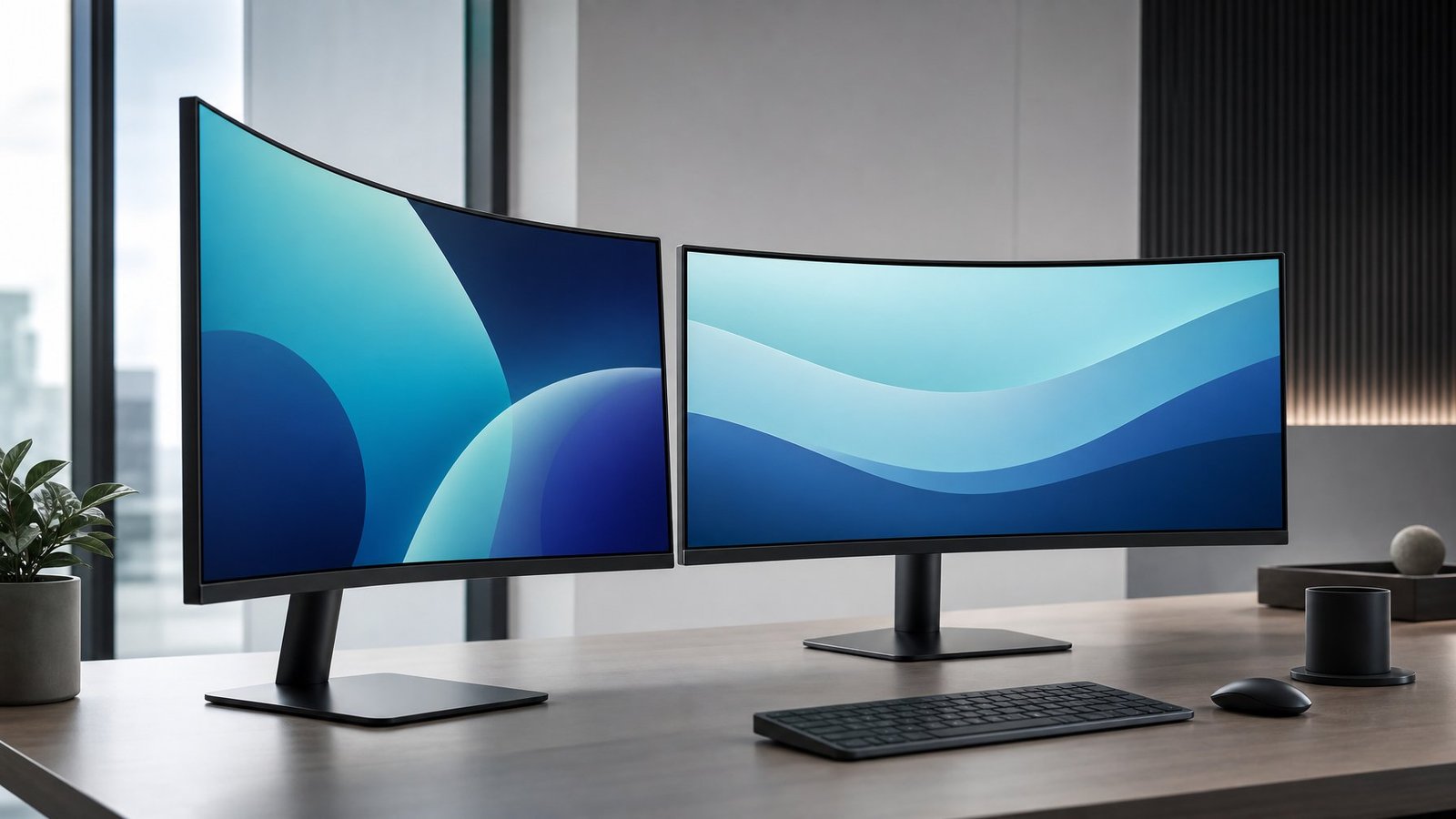
Pick an 800R monitor when you own a 34-inch or larger ultrawide monitor, sit within about 32 inches of the screen, and use it mostly alone for gaming, racing sims, or media. The 800R curve pulls the edges into your line of sight and delivers the wraparound viewing experience that a gentle arc never quite reaches.
Pick an 1800R monitor when the screen doubles as a work display, when you sit farther back, or when someone else regularly looks at it with you. The 1800R curve softens edge distortion on wide panels while keeping horizontal lines close enough to straight for spreadsheets and layout work.
Screen size tips the balance more than anything else. Below 32 inches, the difference between the two curves is small enough that panel quality, refresh rate, and price should decide the purchase. At 34 inches and up, the curve becomes something you feel every time you sit down.
Frequently Asked Questions
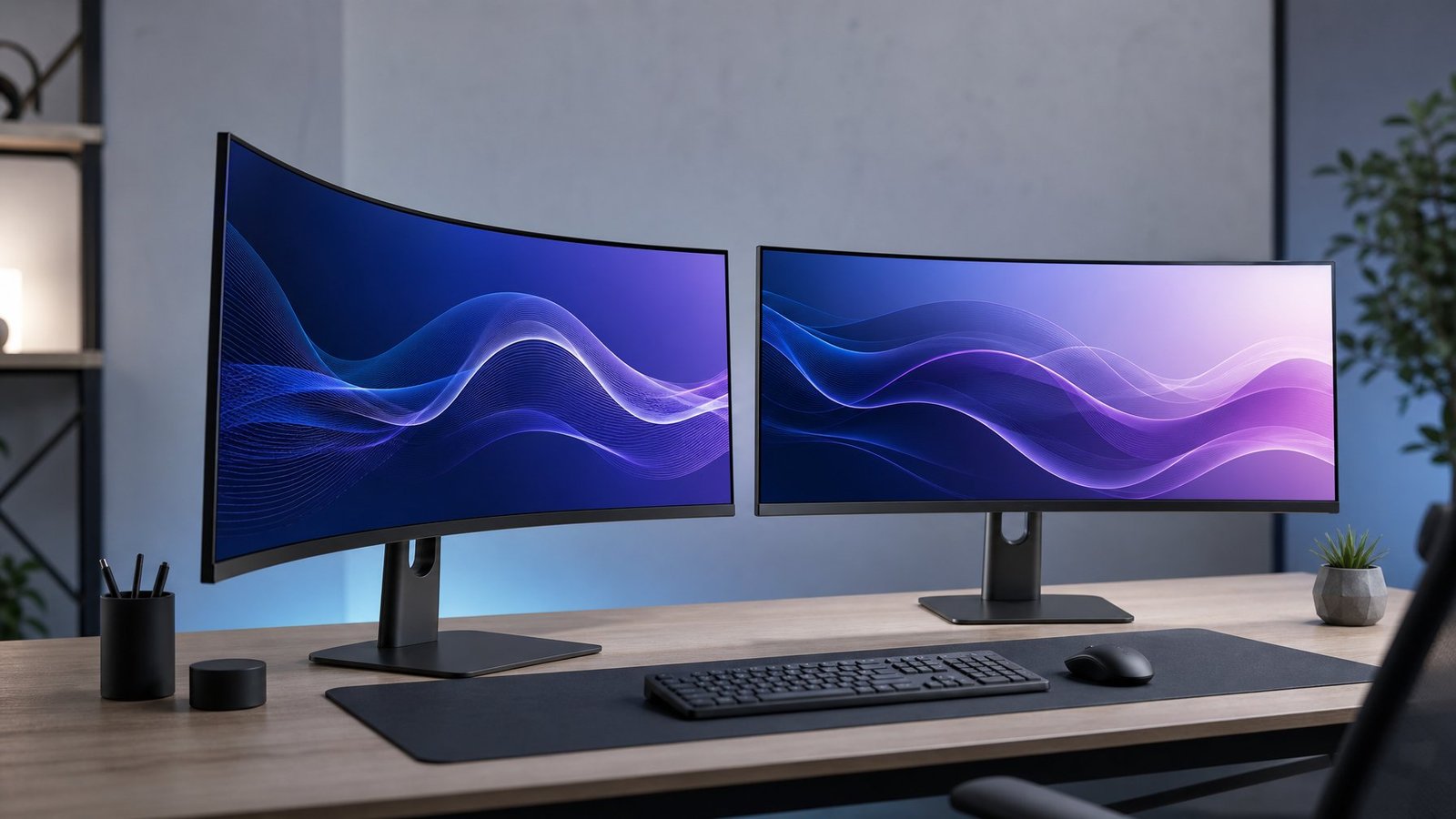
Is the 800R curve too much for a desk monitor?
No, since the 800mm radius matches a normal desk distance of about 31 inches. It becomes too much when you sit farther back, share the screen, or need straight horizontal lines for precise layout work.
Is 1800R good for gaming?
Yes, an 1800R curve works well for gaming, especially mixed libraries where you switch between shooters, strategy titles, and racing. It delivers less wraparound immersion than an 800R curve, so competitive players who value a flat-feeling image often prefer it.
Is an 800R or 1800R monitor better for work?
An 1800R monitor is better for most office work because it keeps horizontal lines closer to straight and reads well from off-center angles. An 800R screen is workable for coding and browsing but shows a visible bow across wide documents.
Is 800R the most curved monitor available?
800R is the most aggressive curve on consumer desktop monitors as of 2026, appearing on panels like the 39-inch and 45-inch OLED ultrawides. Some specialty and automotive displays curve tighter, but nothing sold as a standard desktop screen goes below 800R.
Should I choose 800R or 1800R for sim racing?
Choose 800R for sim racing if your seat puts you within about 32 inches of the screen. The tighter curve angles mirrors and track edges toward your eyes, which is where an 1800R panel loses ground in cockpit views.
Is 1000R or 1800R better for a 34-inch ultrawide?
1000R suits a 34-inch ultrawide monitor better for gaming and media, since it corrects the edge angle on a 21:9 panel at typical desk distance. Go with 1800R on the same size if the display handles daily office work or sits farther than three feet away.

I’m Anirban Saha, Founder & Editor of TechBullish. With a B.Tech in Electronics and Communication Engineering, and 8+ years of experience as a software developer, I have expertise in electronics, software development, gadgets, and computer peripherals. I love sharing my knowledge through informational articles, how-to guides, and troubleshooting tips for Peripherals, Smart TVs, Streaming Solutions, and more here. Check Anirban’s LinkedIn Profile here.