
Yes, membrane keyboards break. They wear out from the inside, and the failure is slow enough that you may not notice until your spacebar needs two presses to register. Most membrane boards are rated somewhere between 5 million and 10 million keystrokes per key, and once the rubber domes under those keys lose their springiness, there is no practical way to swap them out one at a time.
That does not mean your keyboard is doomed next year. A decent office board handled with care will keep working for three to five years of daily use.
A cheap one under a heavy gamer with a soda habit might not see its second birthday. The difference comes down to build quality, how hard you hit the keys, and whether anything wet has ever landed on it.
The keys you press most, WASD, the spacebar, E and the Enter key, will fail first, and they fail gradually: a mushy feel, then a missed press, then a key that needs a deliberate whack. Knowing that pattern lets you spot trouble early and decide whether cleaning fixes it or your money is better spent on a replacement.
Key Takeaways
- Worn rubber domes and spills cause most membrane keyboard failures, and both show up first in the keys you use most.
- Expect three to five years from a well-treated membrane board, less under heavy gaming or aggressive typing.
- Cleaning fixes sticky and dead keys surprisingly often, but a torn membrane or faded domes means it is time to replace.
The Short Answer: What Usually Fails First?
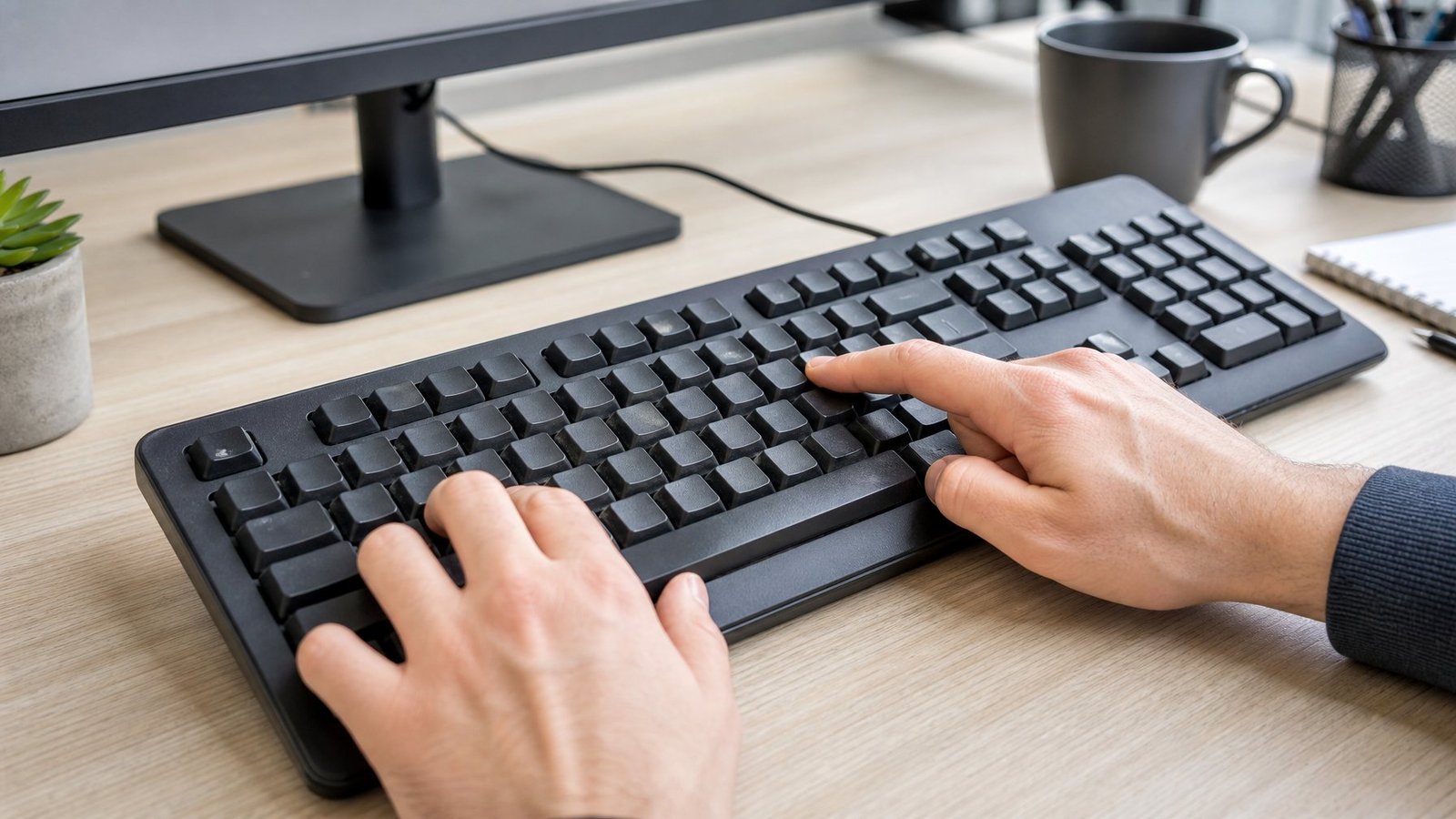
The rubber domes give out before anything else does. They flatten under millions of presses, the plastic membrane sheets underneath collect grime, and a single spilled drink can end the whole board in an afternoon. Everything else, cracked keycaps, frayed cables, loose feet, is a distant second.
Worn Rubber Domes and Inconsistent Keystrokes
Each key sits on a small silicone dome that collapses when you press and pops back up when you let go. Press it a few million times and the silicone loses its snap. You feel this as a mushy, dead spot in the travel, and the key needs a harder push to register.
The wear is never even. My old office board had a spacebar that felt like a wet sponge while the F keys still snapped back like new, because I pressed the spacebar a thousand times more per day. That uneven typing experience is the classic early warning sign. If you find yourself pressing one key twice out of habit, that dome is already halfway gone.
Aggressive typists burn through domes faster. Bottoming out hard on every keystroke puts far more compression stress on the silicone than a light touch does, and it shortens the useful life of the board by months.
Liquid, Dust, and Physical Damage
Liquid is the fastest killer. Sugary drinks are worse than water, because once the moisture evaporates the sugar stays behind as a sticky film between the membrane layers, and that film either blocks contact or creates false ones. Water alone sometimes dries out fine if you unplug the board immediately and let it sit upside down for 48 hours.
Dust works slower. Crumbs, skin flakes, and pet hair pack down into the keywell and around the dome edges, which makes keys feel gritty and eventually stops them from seating properly. A board used in a dusty workshop fails years earlier than the same model on a clean desk.
Physical damage shows up as cracked keycap stems, a snapped stabilizer bar under the spacebar or Shift key, or a torn membrane sheet from someone yanking the board off a desk by its cable. Torn membranes are effectively unfixable at home.
When a Fault Is Not the Keyboard
Before you blame the hardware, rule out the boring causes. A flaky USB port, a damaged cable near the strain relief, or a driver problem will produce symptoms that look exactly like a dying keyboard: dropped inputs, repeated characters, whole rows that stop responding.
Try the board on a second computer. If the same keys fail there, the fault is in the keyboard. If it works fine, look at the port, the cable, or the software. Wrong keyboard layout settings also cause a lot of false alarms, and if your input comes out reversed or scrambled, a keyboard typing backwards issue is a settings problem rather than a broken membrane. Laptop users see this too; plenty of Chromebook keyboard not working reports trace back to software.
How Long Can a Membrane Keyboard Last?
Three to five years of normal daily use is a fair expectation for a decent membrane keyboard, and the keystroke ratings manufacturers publish sit between 1 million and 10 million presses per key. Those numbers describe lab conditions, so your habits and the board’s build quality push the real figure up or down by years.
Why Keystroke Ratings Are Only a Rough Guide
A rating of 5 million keystrokes sounds enormous until you spread it across your actual typing. Heavy typists put down roughly 300,000 to 500,000 keystrokes a month, but those presses land mostly on twenty or so common keys. Your Q key will never see 5 million presses. Your spacebar might get there in three years.
The rating also tests one thing: whether the switch still registers. It says nothing about how the key feels at press number 4 million. Domes go soft long before they stop working, so the typing feel degrades well ahead of the failure point the spec sheet measures. If you want the numbers laid out in more detail, our breakdown of how long do membrane keyboards last covers the ranges by usage type.
How Typing Habits and Build Quality Affect Lifespan
Two identical boards can differ by three years in service life. What moves the needle:
| Factor | Shortens life | Extends life |
|---|---|---|
| Typing force | Bottoming out hard | Light, controlled presses |
| Daily hours | 8+ hours | 1 to 2 hours |
| Environment | Dust, humidity, food at the desk | Clean, dry, covered when idle |
| Build quality | Thin domes, flimsy plastic tray | Thicker silicone, rigid backplate |
Humidity deserves a mention. High moisture corrodes the printed circuit traces on the membrane sheets and makes keys sticky, which is why boards in unairconditioned garages fail faster than office ones. Temperature extremes weaken the silicone as well.
Signs It Is Nearing the End of Its Useful Life
Watch for these, in roughly the order they appear:
- Common keys need noticeably more force than rarely used ones
- The tactile feedback feels flat or mushy under your fingers
- A key occasionally misses a press, then misses more often
- Double typing: one press produces two characters
- A visible lag between the press and the character appearing
- Letters wearing off the keycaps, which signals heavy accumulated use even when the board still works
One flaky key is worth cleaning. Three or four flaky keys plus a mushy spacebar means the domes are done, and no amount of cleaning brings silicone back.
Why Membrane Keyboards Wear Out Differently
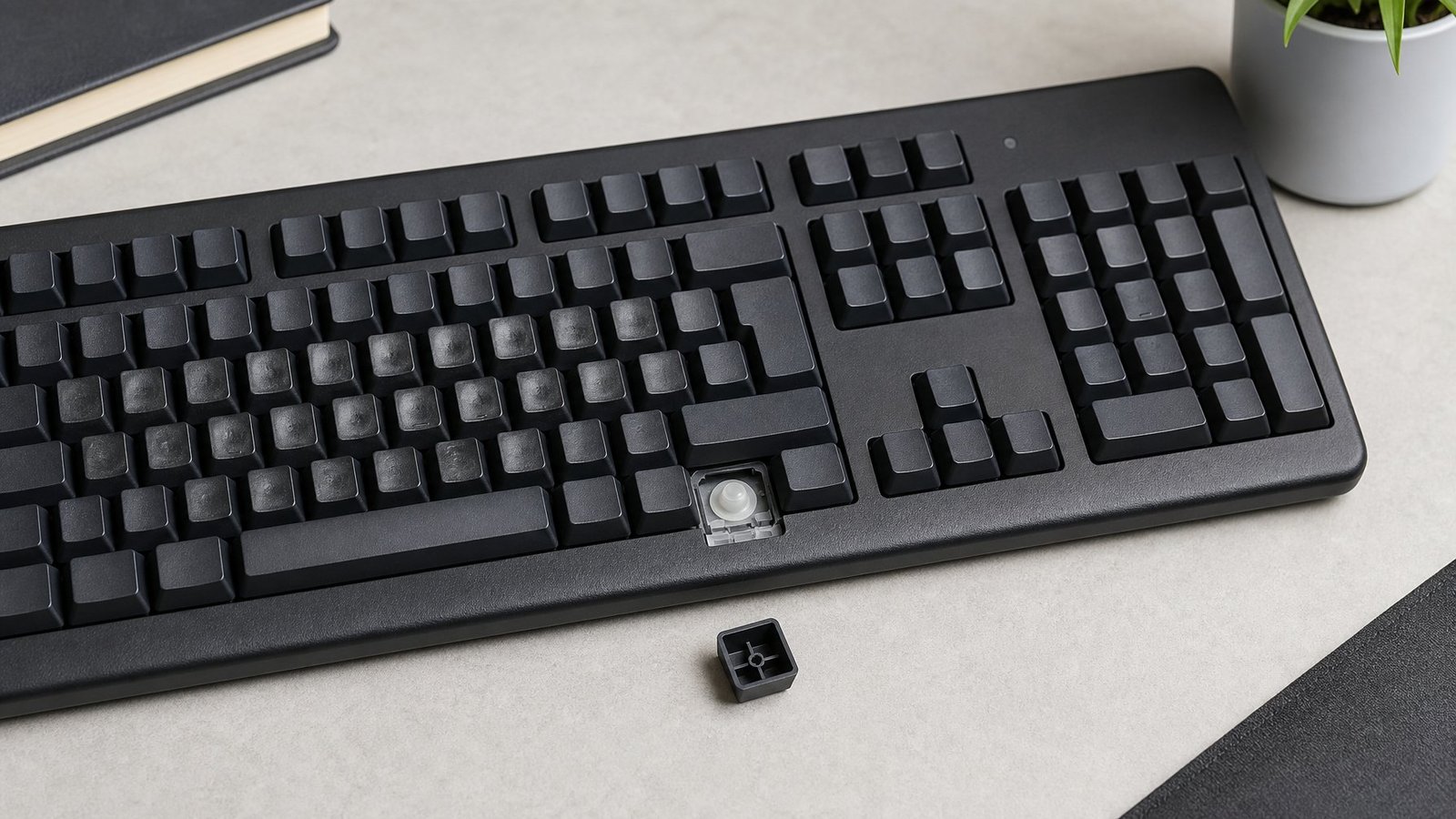
A membrane board fails as one unit because every key shares the same two plastic sheets and the same printed circuit. A mechanical board has 87 or 104 separate switches, so one bad switch is one bad part. That structural difference explains why membrane repair is so limited.
How the Membrane Layers Register a Keypress
Under the keycaps sit three thin flexible layers: a top sheet with conductive pads, a spacer sheet with holes punched where each key sits, and a bottom sheet with matching pads. Press a key and the rubber dome pushes the top sheet down through the hole so the two pads touch, closing a circuit. Release, and the dome lifts the sheet back apart.
That is the entire mechanism, and it is why these boards are so quiet: no spring, no metal contact leaf, just silicone collapsing against plastic. If you want the full structural picture, our explainer on what is membrane keyboard design walks through each layer.
The conductive traces are printed in carbon or silver ink onto flexible plastic. They are not soldered wires, and they are only a few microns thick. Flex a sheet too many times, get moisture between the layers, or let a sharp crumb press into a trace, and the line breaks.
When a trace breaks near the edge of the sheet, you lose an entire row or column of keys at once, because those traces are shared. That is the giveaway: a single dead key points to a dirty contact, while a whole row going dark points to a broken trace. Patching a trace is possible with conductive paint and a steady hand, but the success rate on thin flexible film is low. A torn sheet is not repairable in any practical sense.
Scissor-Switch and Other Membrane Variations
Scissor-switch keyboards, the flat ones in most laptops and slim desktop boards, use the same membrane sheets with a small X-shaped plastic hinge added under each keycap. The hinge stabilizes the key so it presses evenly from any corner, and that extra stability pushes their rated life to roughly 5 to 10 million keystrokes.
Their weak point is the hinge itself. The tiny plastic clips snap, especially if you pry a keycap off carelessly, and replacement hinges are model-specific. Chiclet boards fall into this family too, which our comparison of chiclet keyboard vs membrane keyboard designs breaks down. Mecha-membrane boards add a click mechanism on top of the dome for feel, and if that hybrid interests you, the mecha membrane format sits between the two worlds.
Can You Fix a Failing Membrane Keyboard?
Cleaning fixes more membrane keyboard problems than people expect, especially sticky keys and single dead keys caused by grime on the contact pads. Worn domes and torn membranes are past saving, and once you are dealing with those, the cost of a new board beats the hours you would spend.
Safe Cleaning Steps With Compressed Air and a Microfiber Cloth
Do this every couple of months and you will avoid most sticky-key problems entirely.
- Unplug the keyboard. Never clean a powered board.
- Turn it upside down and shake it gently. You will be unpleasantly impressed by what falls out.
- Blast between the keys with compressed air. Hold the can upright, use short bursts, and work at an angle so debris blows out sideways instead of deeper into the keywell.
- Wipe the keycaps with a barely damp microfiber cloth. Damp, not wet. A drop of isopropyl alcohol on the cloth cuts finger oil well.
- Let it dry completely for at least an hour before plugging it back in.
Never spray liquid directly onto the board and never run water into the keywell. For a deep clean, most membrane keycaps pull straight off with a light upward tug (scissor-switch caps need more care because of those hinges), then the plastic top plate lifts off after you remove the screws on the back.
Troubleshooting Sticky, Dead, or Repeating Keys
Work through these in order:
- Sticky key: pop the keycap, clean the stem and the surrounding well with a cotton swab and isopropyl alcohol, let it dry, reseat the cap.
- Single dead key: open the board, separate the membrane sheets, and rub both contact pads for that key gently with a pencil eraser or an alcohol-dampened swab. Oxidation and residue on the pads is a common cause, and a membrane keyboard repair walkthrough shows what the pads look like once you get inside.
- Repeating key: check your operating system’s repeat-delay setting first, then look for a dome that is not fully releasing the sheet.
- Whole row dead: a broken trace, and the fix rate at home is poor.
- After a spill: unplug immediately, disassemble, rinse the membrane sheets with distilled water if the spill was sugary, and dry for 48 hours before reassembly.
If a laptop or a specific branded board is the problem, model-specific guides help more than general advice. Owners hitting a Lenovo keyboard not working fix or a Microsoft Surface keyboard not working situation often find the cause is a connector or driver, not the membrane.
When Replacement Makes More Sense Than Repair
Replace the board when the domes have gone soft across multiple keys, when a membrane sheet is torn or creased, or when the same key fails again within weeks of a cleaning. Individual dome replacement is not a thing you can buy; the domes come as one molded silicone sheet, and matching sheets for a consumer keyboard are rarely sold.
The math is simple. A serviceable membrane board costs $15 to $30. Two hours of your time plus conductive ink costs more than that, and the repaired board still has the same tired domes everywhere else.
Membrane vs. Mechanical: Is an Upgrade Worth It?
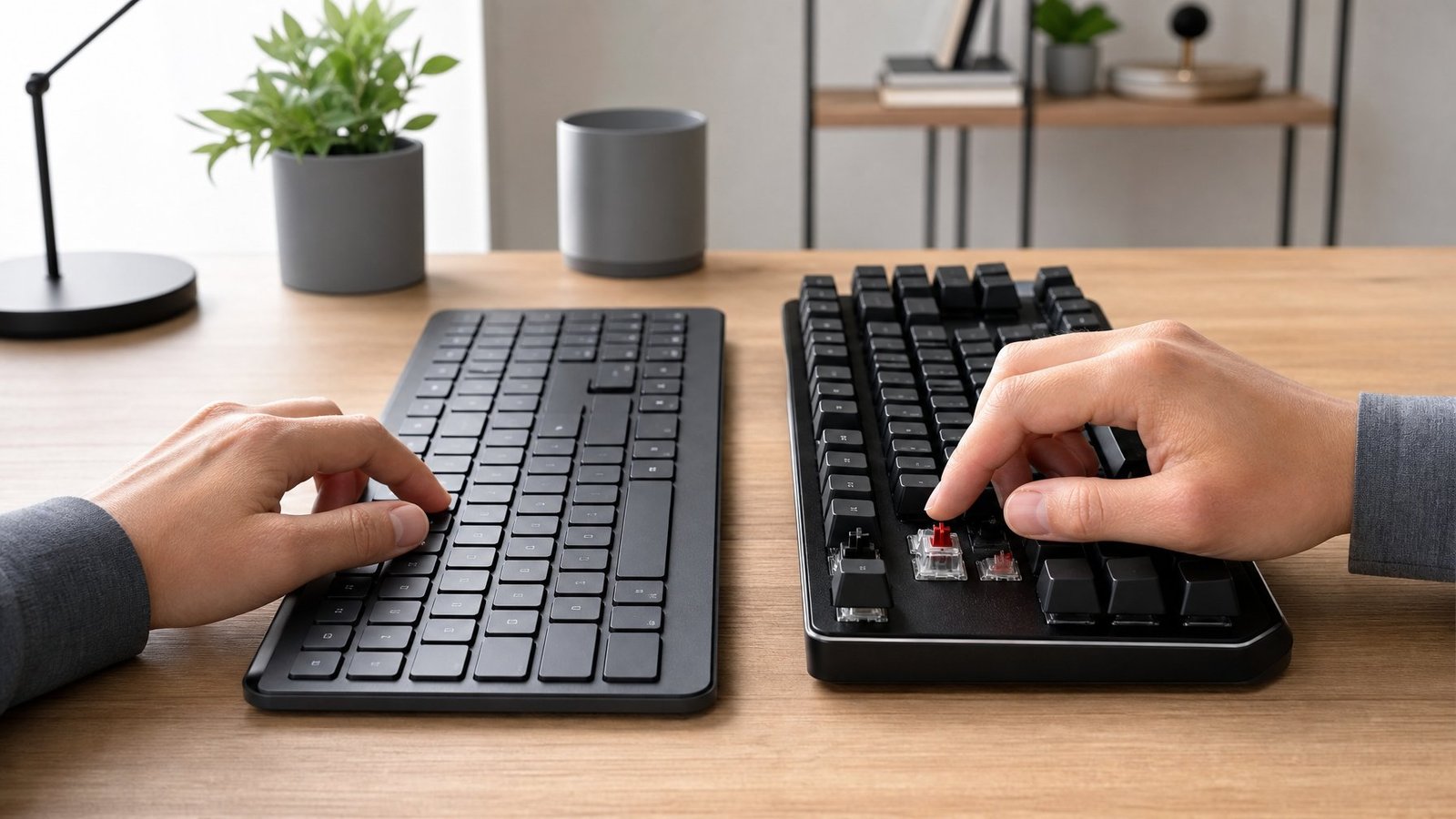
A mechanical keyboard lasts five to ten times longer per key and can be repaired one switch at a time, which makes it the better buy if you type all day. For light use, a quiet office, or a tight budget, a membrane board does the job at a fraction of the price.
| Membrane | Mechanical | |
|---|---|---|
| Rated keystrokes per key | 5 to 10 million | 20 to 50 million |
| Typical price | $15 to $40 | $50 to $229 |
| Noise | Quiet | Moderate to loud (silent switches available) |
| Single key repairable | No | Yes, hot-swap or desolder |
| Keycap swaps | Limited | Standard MX stems, wide choice |
| Full N-key rollover | Rare | Common |
Durability, Repairability, and Customization
Mechanical switches are rated for 20 to 50 million keystrokes each, and on a hot-swap board you pull a dead switch out with a $2 puller and drop a new one in without soldering. That single fact changes the ownership math: a mechanical board is a five-to-ten-year purchase where a membrane board is a three-year consumable.
Customization follows from the same modularity. Standard MX stems let you fit thousands of keycaps sets, and the internals (plate, gaskets, foam) can be changed too. Our look at whether mechanical keyboards are durable goes deeper on what actually wears out in a switch, and if the build side appeals, the process to build a custom mechanical keyboard is more approachable than it looks.
Membrane boards win on noise without any effort. The dome collapse is nearly silent, which is why they are standard in call centers and open offices.
Mechanical boards give you a choice of feel. Linear switches press smoothly with no bump, tactile switches give a noticeable bump at the actuation point, and clicky switches add an audible snap on top of that. If you share a room, silent switches with dampened stems get a mechanical board close to membrane noise levels while keeping the consistent feel.
Blue switches are the loudest of the common types; the blue switches profile explains why they carry across a room. For a broader side-by-side, our mechanical vs membrane keyboard comparison covers price and feel together.
Gaming Input, Anti-Ghosting, and Switch Options
Cheap membrane boards drop simultaneous inputs. Because keys share circuit rows and columns, pressing three or four keys at once can register the wrong combination or nothing at all, and that shows up as a missed jump or a dropped ability in fast games.
Better membrane boards add anti-ghosting on the gaming cluster, so WASD plus modifiers works reliably even when the rest of the board does not.
Mechanical boards commonly ship with full N-key rollover, meaning every key registers independently no matter how many you hold. Linear switches with short actuation distances are popular for competitive play.
If you are weighing whether your current board holds you back, our take on whether membrane keyboards are good for gaming and the wider gaming keyboard vs normal keyboard breakdown both address the input side directly.
Match the Keyboard to How You Use It
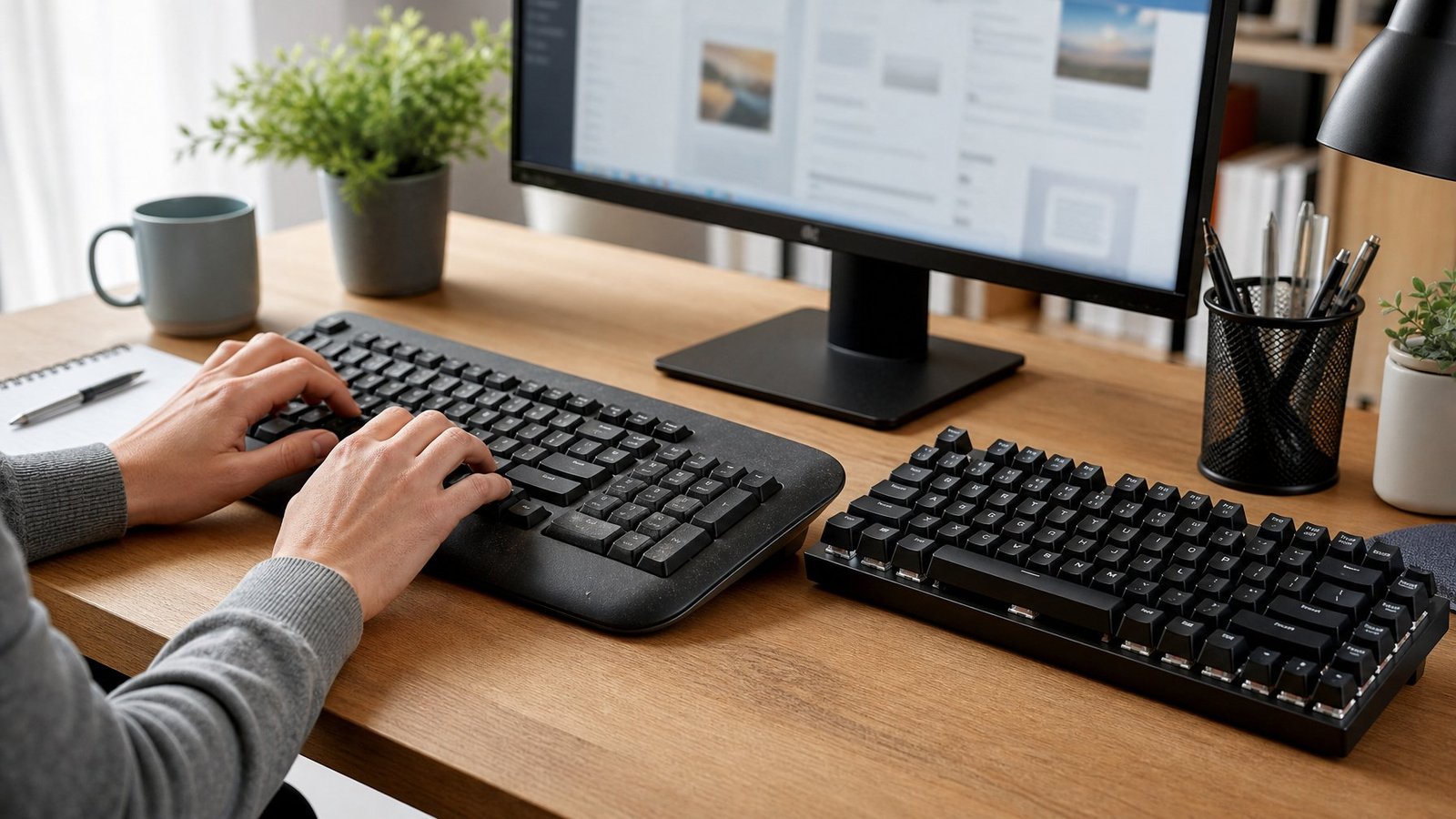
Membrane keyboards do break, and the way they break is predictable: domes soften under your most-used keys, spills and dust take out contacts, and the shared circuit means one bad trace can kill a whole row. Three to five years of careful use is a reasonable return on a $20 board, and compressed air every couple of months plus a rule against drinks near the desk will get you toward the top of that range.
When keys start needing extra force or a cleaning stops holding, replace the board. There is no dome refresh, and no part you can order. For light typing, casual gaming, and quiet offices, buying another membrane board is a sound call.
If you type for a living or game seriously, mechanical keyboards pay for themselves through repairable switches and a typing feel that stays consistent through millions of presses. Our guide on whether mechanical keyboards are worth it helps you decide where your hours land. Start by counting how many hours a day your hands are on the keys, then set your budget from there.
Frequently Asked Questions
Most last three to five years with normal daily use, backed by ratings between 5 million and 10 million keystrokes per key. Heavy gamers and hard typists see closer to one or two years, while a light-use board in a clean room can pass five years without trouble.
They are fine for typing, especially quiet ones in shared offices, though the feel gets mushier as the rubber domes age. A mechanical keyboard holds its actuation force steady over its whole life, which is why long-form typists tend to prefer it after a few years on a membrane board.
Yes, by a wide margin. Mechanical switches are rated for 20 to 50 million keystrokes against 5 to 10 million for membrane, and a failed mechanical switch can be replaced individually while a worn membrane means a new keyboard.
Often yes, if you unplug it right away and dry it thoroughly. Plain water usually evaporates without damage after 48 hours upside down, while sugary drinks leave a sticky residue that needs the membrane sheets separated and rinsed with distilled water.
A single dead key usually means dirt or oxidation on the two contact pads under that key. Opening the board and rubbing both pads with an alcohol-dampened swab fixes it often; if a whole row dies instead, a shared conductive trace has broken.
For casual and single-player gaming, yes. Cheaper models drop simultaneous keypresses due to ghosting, so check that the board lists anti-ghosting on the gaming cluster if you play fast competitive titles where holding four keys at once is routine.

I’m Anirban Saha, Founder & Editor of TechBullish. With a B.Tech in Electronics and Communication Engineering, and 6+ years of experience as a software developer, I have expertise in electronics, software development, gadgets, and computer peripherals. I love sharing my knowledge through informational articles, how-to guides, and troubleshooting tips for Peripherals, Smart TVs, Streaming Solutions, and more here. Check Anirban’s Crunchbase Profile here.